Payouts
What it does
Section titled “What it does”For every hotel, Payouts shows what Upstay collected online on its behalf, the commission Upstay earned, credit Upstay reimbursed, and the settlements paid out, as one running balance. The table says Who owes for each hotel: Upstay owes, Hotel owes Upstay, Razorpay pays it (direct payout) or Settled. Nothing moves money here: you pay the hotel at your bank, then record it.
Who can use it
Section titled “Who can use it”Upstay operators who can see the Money area.
Where to find it
Section titled “Where to find it”Payouts under Money in the rail. Click a hotel’s name to open its full ledger.
How to record a settlement
Section titled “How to record a settlement”- On a hotel’s row, click Record a settlement (or pick the hotel and use the form beside the table).
- Enter Amount (₹), pick Direction (Upstay paid the hotel or The hotel paid Upstay) and Kind (Settlement, or Adjustment for a correction).
- Enter UTR or note and click Record it. The balance changes at once.
How to remind a hotel that owes Upstay
Section titled “How to remind a hotel that owes Upstay”- On the hotel’s row, click Send a reminder.
- The page says how many people at the hotel were reminded.
How to pay hotels from the bank file
Section titled “How to pay hotels from the bank file”- Under Payout run, click Preview the file to see one row per hotel owed, with the last four digits of each account.
- Click Download bank file. When Confirm it is you opens, enter your password (and a code if you use two-step sign-in).
- Upload the file to your bank yourself, then record each transfer with Record a settlement.
How to grant credit to a guest
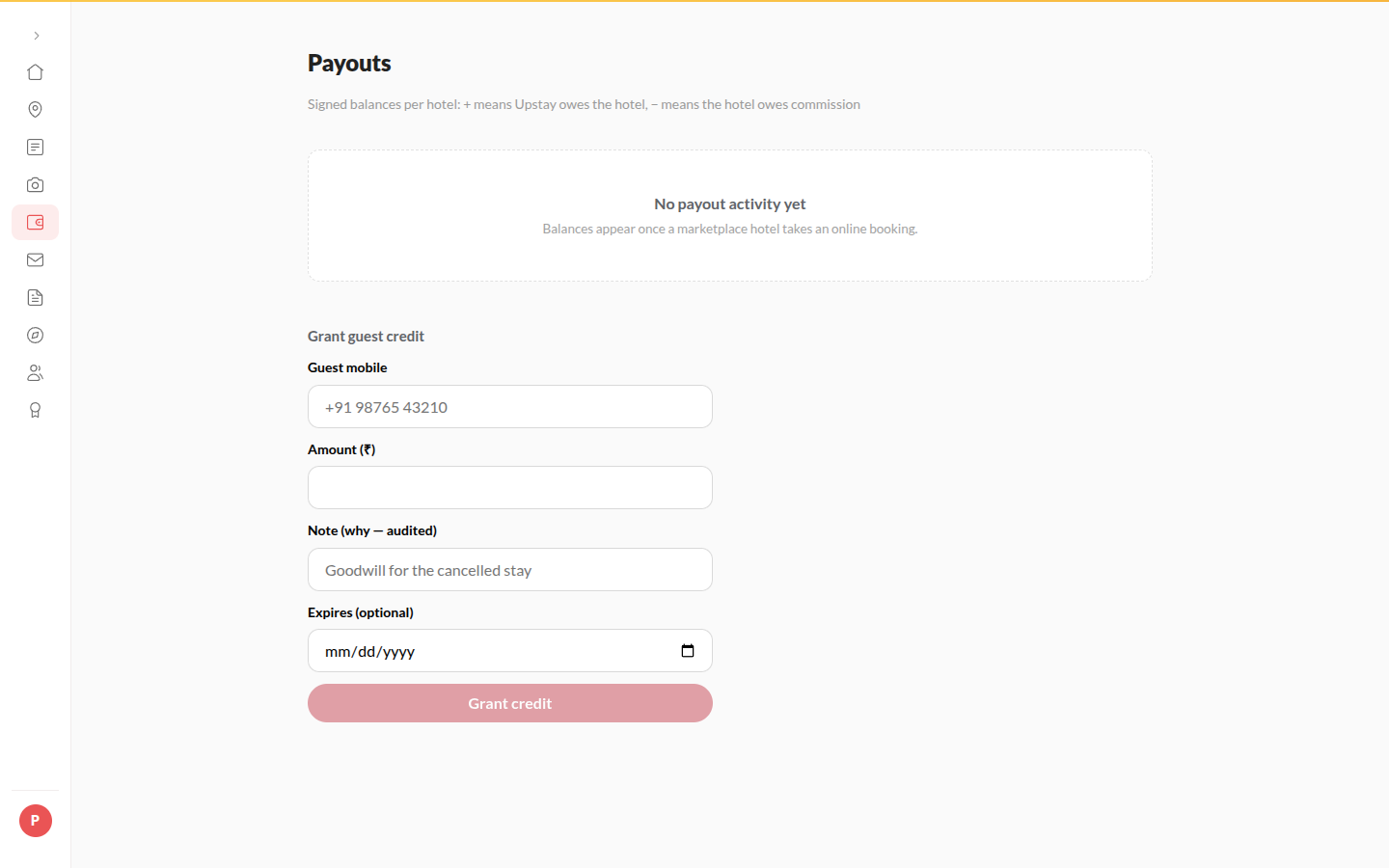
Section titled “How to grant credit to a guest”- Under Grant guest credit, enter Guest mobile, Amount (₹) and a Note.
- Leave Expires blank for the default (180 days unless changed), or pick a date.
- Click Grant credit. It lands in the guest’s wallet.
How to change how long guest credit lasts
Section titled “How to change how long guest credit lasts”- Under Grant guest credit, next to Blank = 180 days (default), click Change.
- Enter the number of days in Guest credit lasts (days), from 1 to 3650.
- Click Save.
The new length applies to credit given from then on: credit granted with a blank Expires and credit earned through referrals. Credit already in a guest’s wallet keeps its own date.
Tips & good to know
Section titled “Tips & good to know”- Entries are never edited; correct a mistake with an Adjustment.
- Commission on pay-at-hotel bookings accrues at checkout; on online bookings, when the payment settles.
- A hotel with a bank account change waiting shows Change waiting; keep paying the old account until the change is approved under Settlement.
- Download ledger saves the whole table.
Troubleshooting
Section titled “Troubleshooting”- A hotel’s row in the bank file says NO ACCOUNT ON FILE → Pay it only after the hotel’s payout account is set.
- The balance looks wrong after a refund → Refunds appear as their own lines; open the hotel’s ledger to check them.