Writing a review
What it does
Section titled “What it does”After checkout you can review the stay - an overall score, sub-scores and a comment. Reviews are tied to a real completed stay, one per stay, and appear on the hotel’s site and marketplace card. The hotel may reply publicly; only Upstay can take a review down, for abuse.
Who can use it
Section titled “Who can use it”The guest who booked, after checkout.
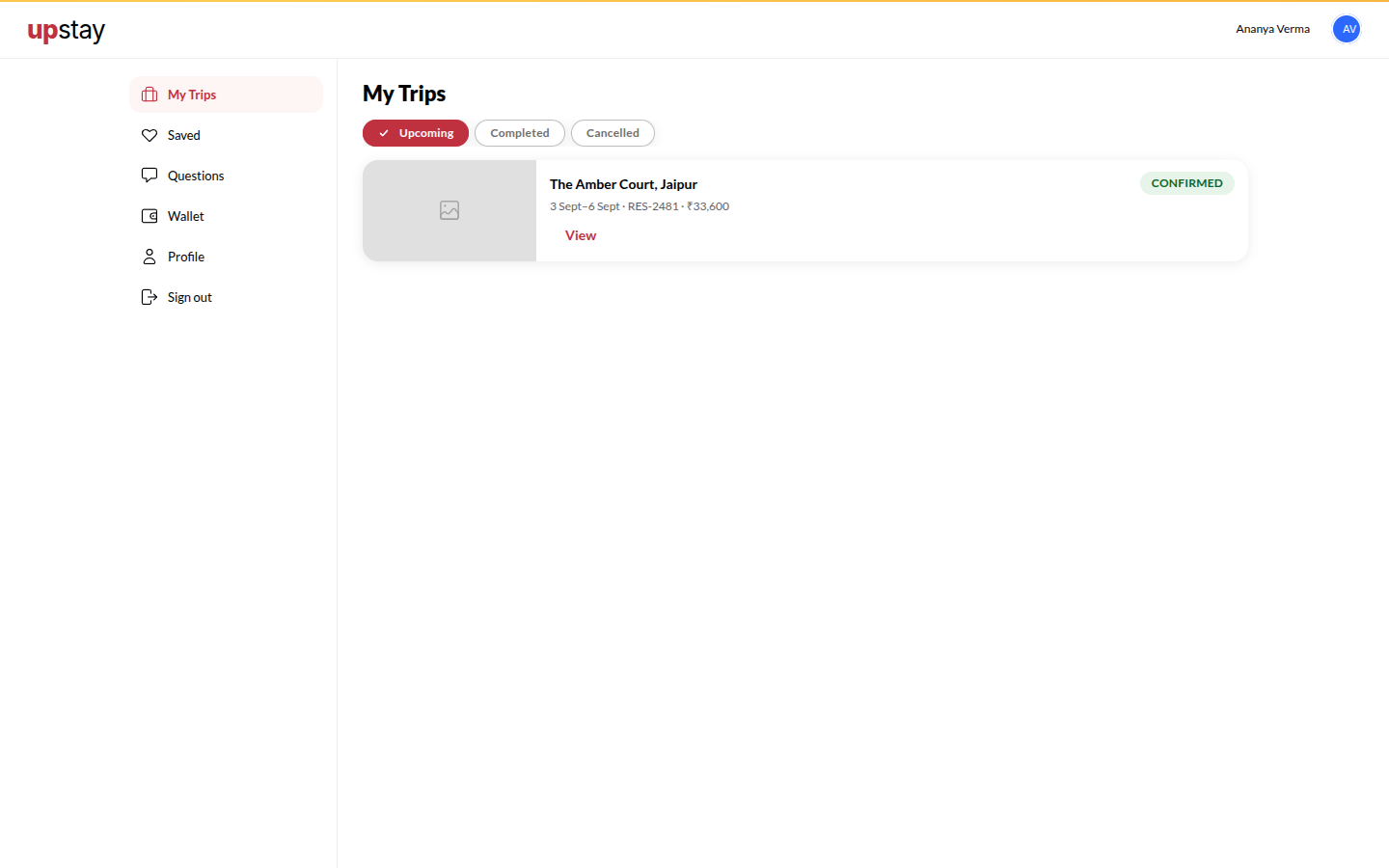
Where to find it
Section titled “Where to find it”The stay’s page in Your Stays, or the How Was Your Stay? card on the stay link.
How to review
Section titled “How to review”- Open the stay and tap Write a review.
- Pick the stars, write your comment, tap Submit.
Tips & good to know
Section titled “Tips & good to know”- Your first name and the month of the stay are shown with the review.
Troubleshooting
Section titled “Troubleshooting”- “You can review a stay after checkout.” → Not checked out yet.
- “You have already reviewed this stay.” → One per stay.