Audit log
What it does
Section titled “What it does”Every action that matters - a booking created or cancelled, a payment recorded, an ID approved, a full ID number revealed, a setting changed, a sign-in - is written with the person, the time and the target. The estate-wide log is here; each booking also has its own timeline.
Who can use it
Section titled “Who can use it”Managers and above.
Where to find it
Section titled “Where to find it”Back office → Audit log. A booking’s own trail is under the Activity tab of its guest file.
How to find an action
Section titled “How to find an action”- Open Audit log.
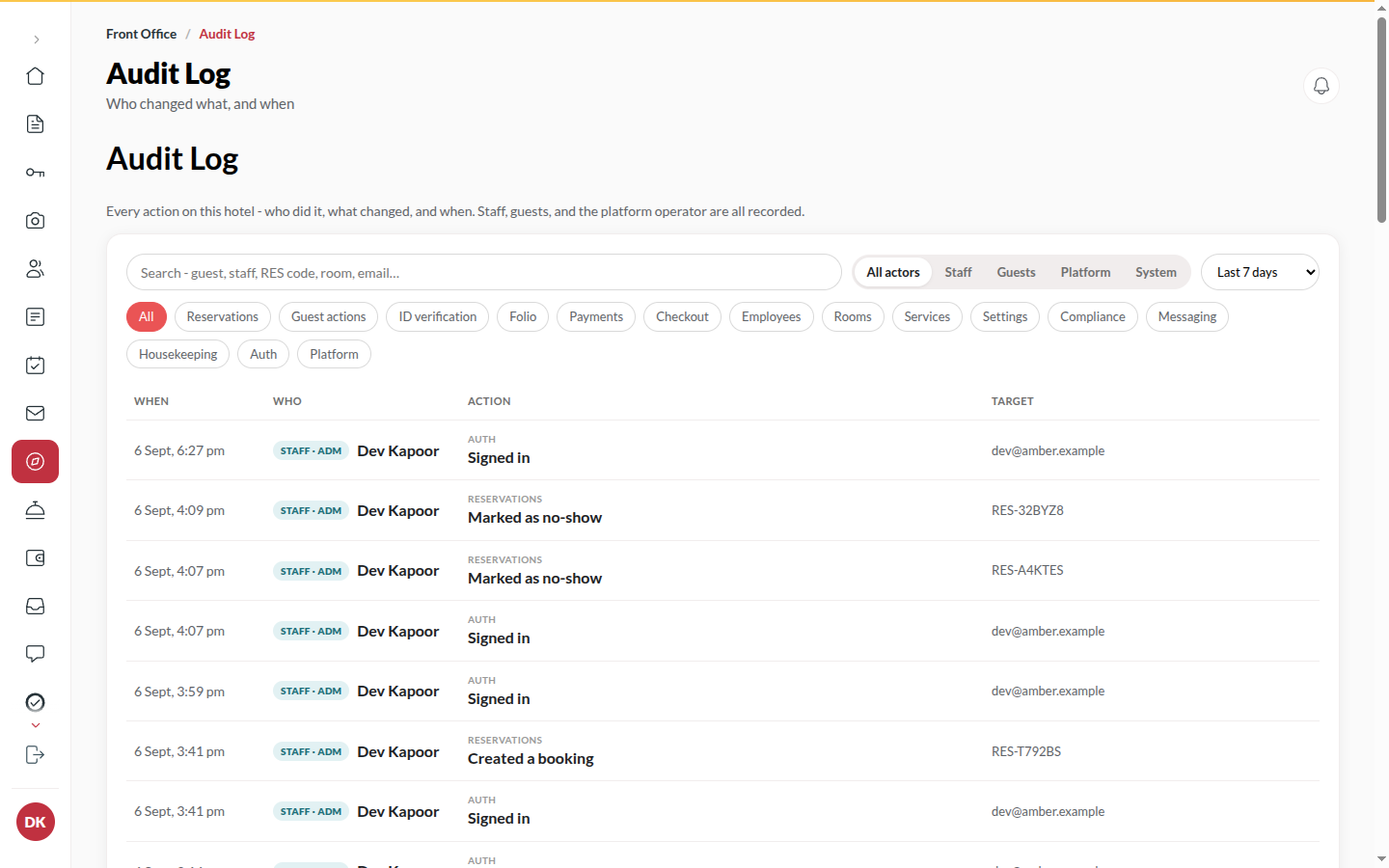
- Type in Search guest, staff, RES code, room, email, or filter by Person (Everyone), Action (All actions) and Time range.
- Narrow by who did it: All actors, Staff, Guests, Platform or System.
- Click an entry for What changed: the values the action carried. It names the Reservation by its booking code, and Open the booking goes to the stay.
- The log shows the 100 most recent matches; narrow the filters (or choose Custom dates) to see older activity.
Tips & good to know
Section titled “Tips & good to know”- Opening a guest’s ID document and revealing a full ID number are always here with the person’s name. That is the control.
- Entries cannot be edited or deleted.
- Actions taken by Upstay’s operators on your hotel show with the actor Platform.
Troubleshooting
Section titled “Troubleshooting”- An action you remember is missing → Filters are additive; clear them. Sign-ins are under their own category.