Email log
What it does
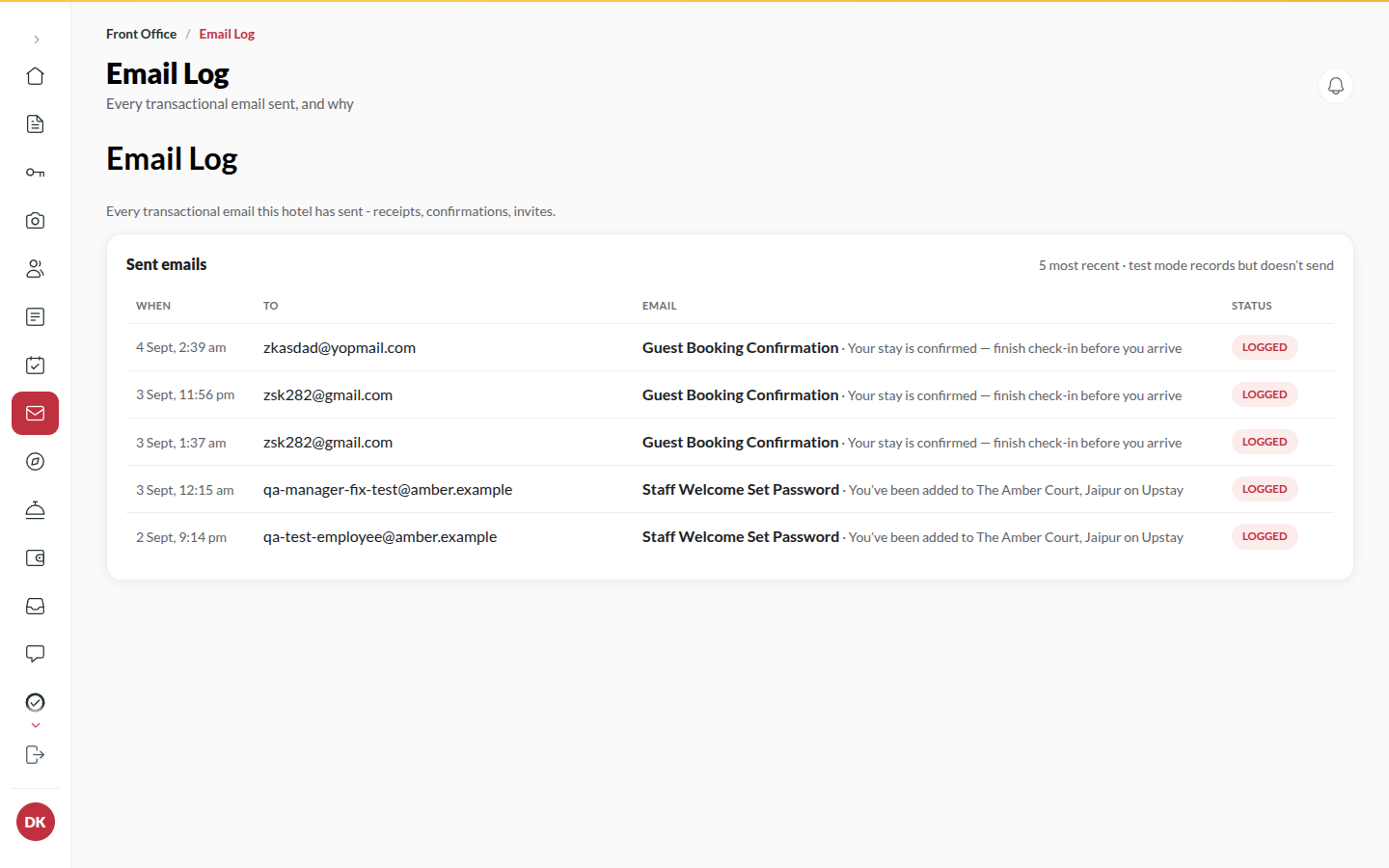
Section titled “What it does”Booking confirmations, receipts, invites, reset links, guest sign-in codes: everything emailed is listed here with its recipient, subject, time and status (Queued, Sent, Logged, Failed). It is where you check “did the guest get their confirmation?”.
Who can use it
Section titled “Who can use it”Managers and above. Opening an email’s contents is for Admins. Editing templates is for Managers and above.
Where to find it
Section titled “Where to find it”Back office → Email log, with the tabs Sent emails and Templates.
How to check whether an email went out
Section titled “How to check whether an email went out”- Open Email log → Sent emails, newest first.
- Type in Search recipient, email or subject, or filter by email type and Status.
- Read the status: Sent means the provider accepted it; Failed means it did not; Logged means your hotel’s email sending is in test mode and the message was recorded rather than delivered.
- Click a row for who it went to, when, the Subject, the Status, Sent through and the provider’s Reference. A failed email says why under Not delivered. Admins also read its Contents.
How to change the words of an email
Section titled “How to change the words of an email”- Open the Templates tab and click Edit on the email (or Edit this template from a sent email).
- Change the words. The Preview updates as you type. The layout, branding and details table are set by Upstay.
- Click Send test to me to see it in your own inbox.
- Click Save changes. The change applies to your hotel only.
- Reset to default removes your copy and goes back to Upstay’s words.
Tips & good to know
Section titled “Tips & good to know”- In test mode the log is the delivery, so an Admin can open an invite email and copy its link from Contents.
- Once emails are really sent, ones carrying a sign-in code or a reset link have their contents hidden (Contents hidden); the log shows that they went, not the secret.
- A Failed email is not retried forever - fix the address and resend from the booking (receipt) or Employees (invite).
Troubleshooting
Section titled “Troubleshooting”- “Only an Admin can open an email’s contents.” → Ask an Admin.
- Every email shows Logged → Email delivery is not switched on for your hotel yet; contact Upstay.