Leads
What it does
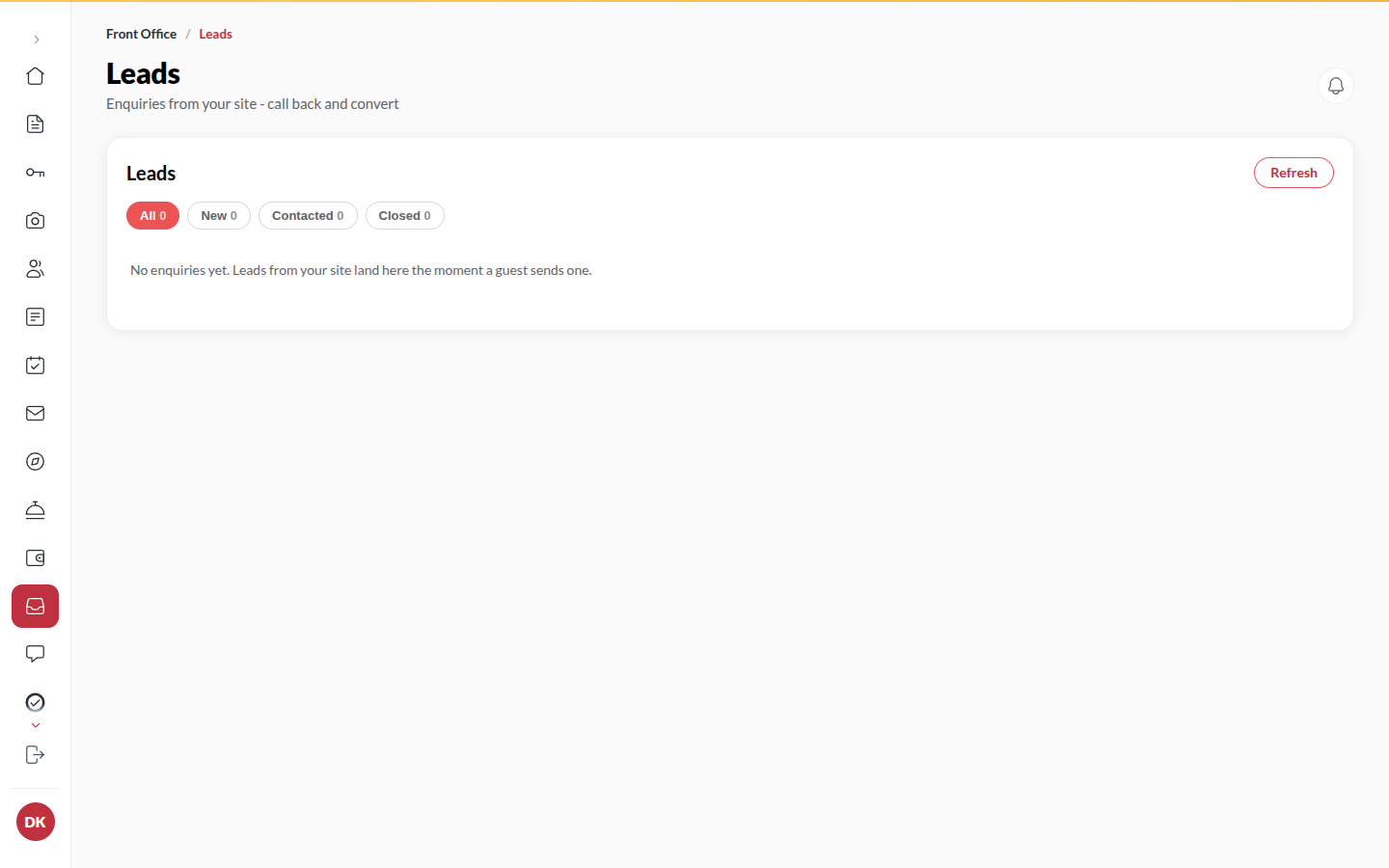
Section titled “What it does”When a visitor on your hotel’s site leaves a phone number - an enquiry, a group quote, a call-back - it lands here as a lead. The desk works through them: call, add a Desk note, Mark contacted, or Close lead. A lead is anonymous demand; a signed-in traveller’s question goes to Questions instead.
Who can use it
Section titled “Who can use it”Front Desk, Managers and Admins, when the Enquiries & leads module is on for your hotel.
Where to find it
Section titled “Where to find it”Inbox → Leads.
How to work a lead
Section titled “How to work a lead”- Open Inbox → Leads. A New lead shows the visitor’s name, phone, dates and what they asked.
- Call them, or click WhatsApp to message them from your phone. Nothing is sent from the console.
- Type what happened in Desk note (e.g. Called, wants Diwali week…) and click Save note.
- Click Mark contacted, or Close lead when it is done or dead. Reopen brings a closed lead back.
Tips & good to know
Section titled “Tips & good to know”- A lead that turns into a booking: take it with Bookings → New booking and close the lead with a note.
- The Site Report counts leads and how many converted.
Troubleshooting
Section titled “Troubleshooting”- “Lead not found” → It was removed elsewhere; the list reloads by itself.
- No leads ever arrive → The enquiry form is on your microsite; check the site is listed under Back office → Microsite.