Questions
What it does
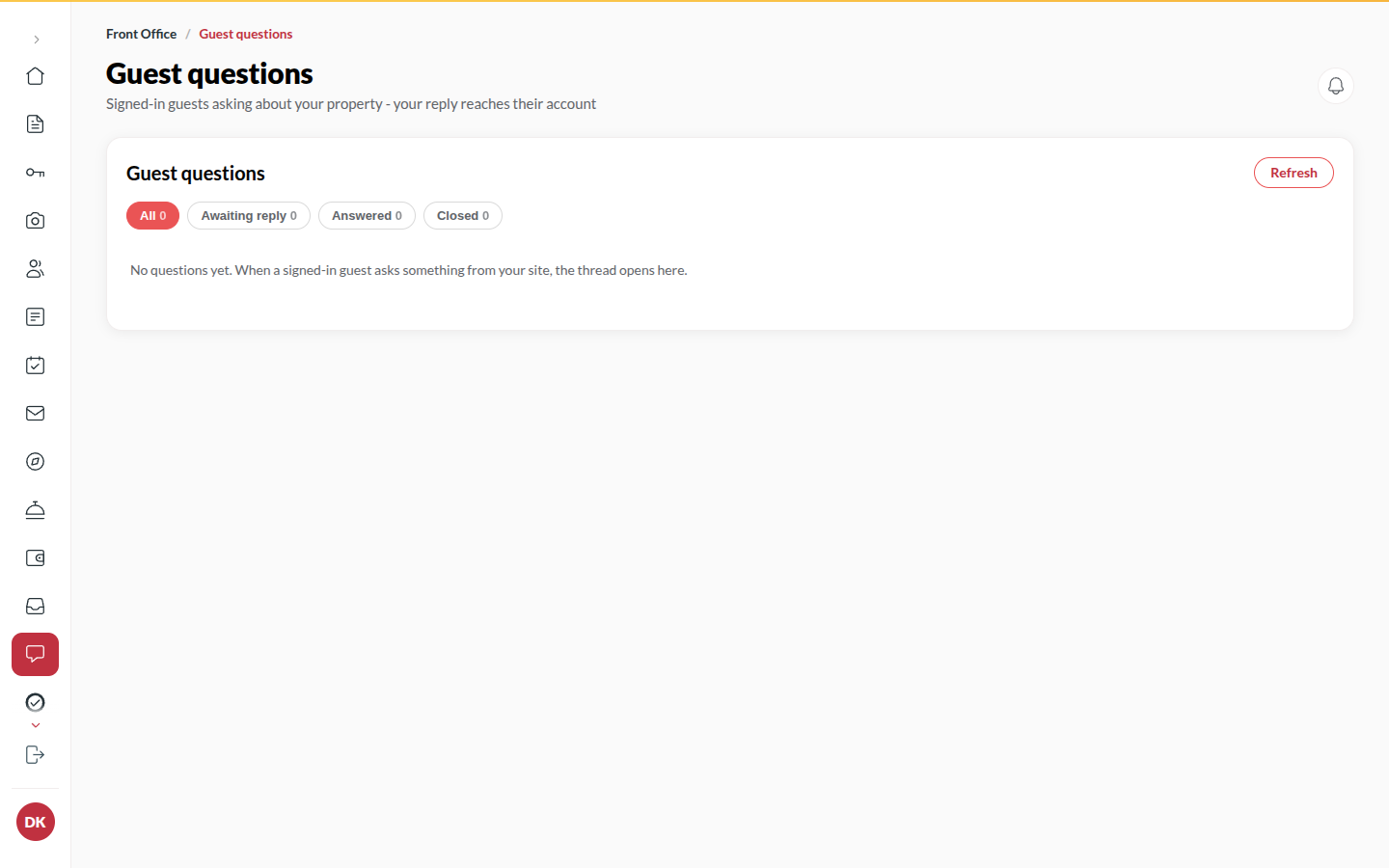
Section titled “What it does”A traveller signed in to Upstay can ask your hotel a question from your site or the marketplace (“Is parking available?”). It arrives here as a thread. You reply; the traveller reads the answer in their Upstay account (nothing is emailed). Threads close when you close them, and you can re-open them.
Who can use it
Section titled “Who can use it”Front Desk, Managers and Admins, when the Guest questions module is on.
Where to find it
Section titled “Where to find it”Inbox → Questions. The Inbox counts website questions waiting for a reply.
How to answer a question
Section titled “How to answer a question”- Open Inbox → Questions. Awaiting reply threads come first.
- Click the thread.
- Type your answer (The guest reads this in their Upstay account.).
- Click Send reply. The thread shows Answered.
- When the conversation is done, click Close thread. A closed thread takes no more messages from either side. Re-open opens it again.
Tips & good to know
Section titled “Tips & good to know”- Your name is kept on each reply, so the thread still says who answered after staff changes.
- Only signed-in guests can ask. The reply is delivered by being readable in their Upstay account; nothing is emailed or texted.
Troubleshooting
Section titled “Troubleshooting”- “This thread is closed.” → Click Re-open to reply.
- “Question not found” → The traveller deleted their account; the thread went with it.