A hotel's site
What it does
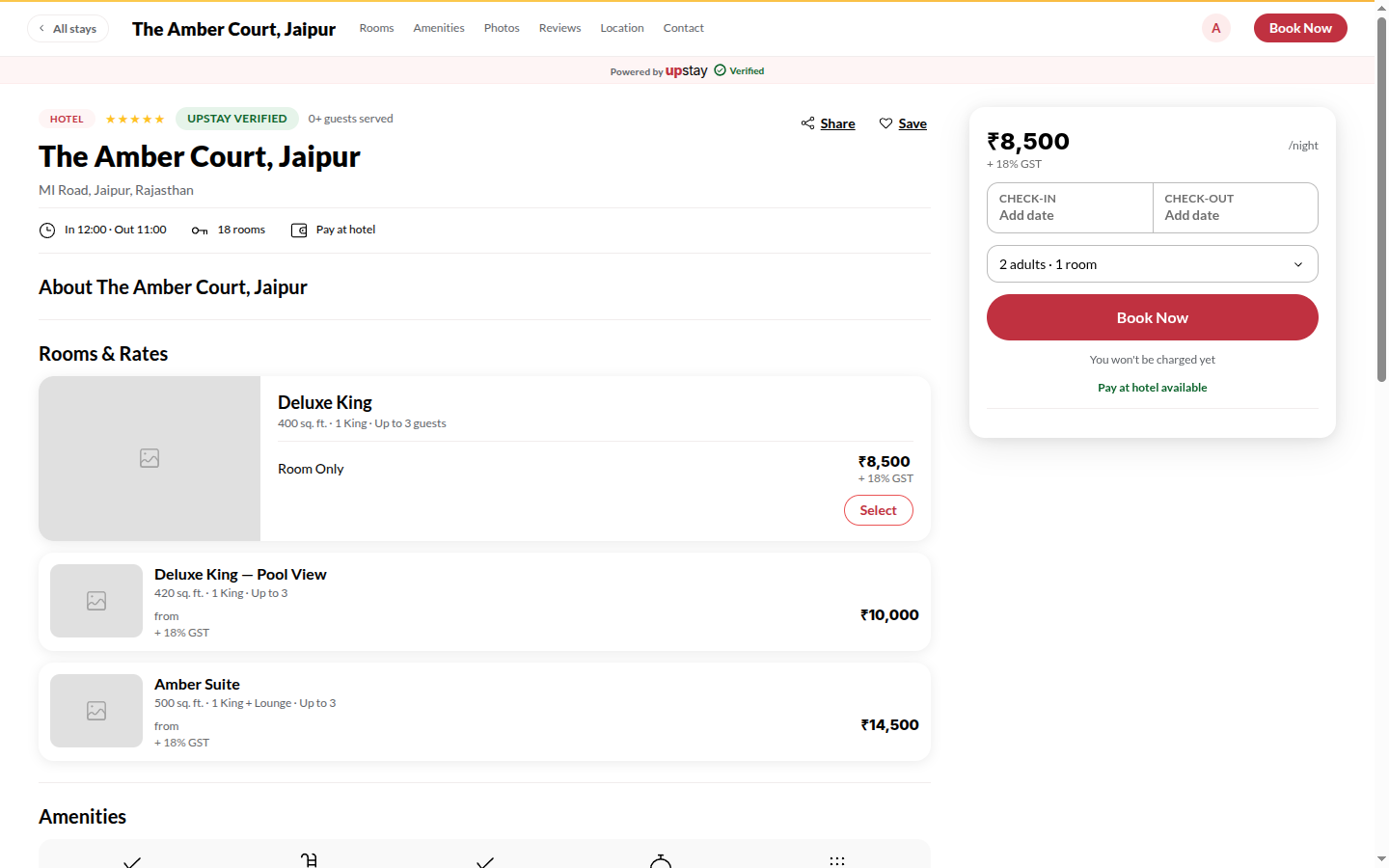
Section titled “What it does”Each hotel has a site of its own (hotelname.upstay.in) with what the hotel has published: photos, a welcome from the hosts, room types with galleries and prices, offers, amenities, a map with directions, policies and house rules, reviews from verified stays, questions asked often, and contact - including a Questions box where signed-in guests ask the hotel directly.
Who can use it
Section titled “Who can use it”Anyone. Asking a question or booking needs an Upstay account (a code to your mobile or email signs you in).
Where to find it
Section titled “Where to find it”From a Marketplace card, or the hotel’s own link. All stays at the top left takes you back.
How to start a booking from the site
Section titled “How to start a booking from the site”- In the bar at the bottom of the first screen, tap Check-in and Check-out to pick your dates, and set Guests. Under each day the calendar shows the hotel’s cheapest rate for that night in thousands (8.5k), in amber on dearer nights. Clear empties the dates; Done closes the calendar.
- Tap See available rooms. The rooms list opens with each room type’s price for your stay and whether it is Available, Only N left or Sold out on these dates.
- Tap Select on a room (choose a rate plan if it offers more than one), then fill in your details and confirm.
You can also tap Book this room under any room on the page - with dates already picked it goes straight to confirming that room. Details opens the room’s full description, amenities and cancellation terms.
How to find the hotel
Section titled “How to find the hotel”- Scroll to Location. Get directions opens Google Maps directions to the hotel; Copy address copies the address.
- Nearby lists places around the hotel with distance and approximate drive time; Getting here has the hotel’s own directions when it has written them.
How to ask the hotel a question
Section titled “How to ask the hotel a question”- Scroll to Contact and type in the question box; sign in if asked (Sign in to ask).
- Tap Ask. The reply appears under Questions in your account - nothing is emailed.
Tips & good to know
Section titled “Tips & good to know”- The Book direct with the hotel strip shows only what this hotel offers: pay at the hotel, free cancellation, online check-in, a direct line to the desk.
- Tap a room’s photo, or All N photos on the first screen, to open the gallery; a room’s photos come first, then every other category.
- Under Policies, the cancellation card shows your own free-cancellation deadline once dates are picked; tap Pick my dates to set them.
- Reviews here are from guests who stayed; the hotel can reply but cannot remove one.
- An offer’s Apply to my stay keeps the code for your booking; it is applied when you confirm.
Troubleshooting
Section titled “Troubleshooting”- “Contact the hotel to book” → The hotel does not take online bookings; use the phone number or WhatsApp.
- “Sold out” on a room → No rooms of that type for your dates; try other dates, or Request these dates where the hotel offers it.
- “too small for N adults” → The party does not fit that room type; pick another, or reduce the guests.
Related features
Section titled “Related features”How to send an enquiry or ask for a group quote
Section titled “How to send an enquiry or ask for a group quote”- In Contact, under Send an enquiry, enter Your name and Phone number.
- Tap Send enquiry, or tap Booking 5+ rooms? Get a group quote for a group. The hotel calls you back.