Reviews
What it does
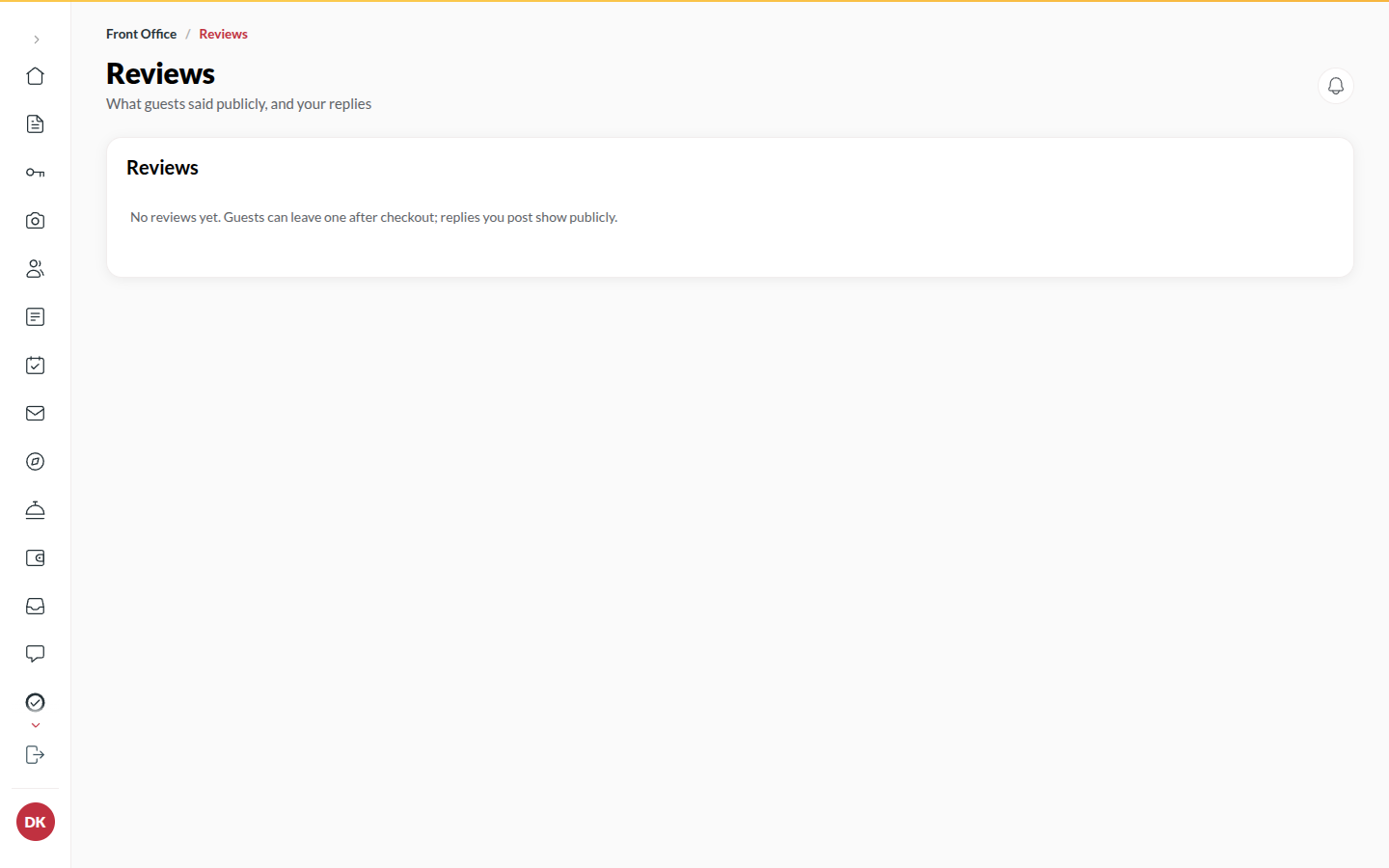
Section titled “What it does”Only a traveller who actually stayed (checked out, booked under their own account) can review your hotel. Reviews show on your site and your marketplace card with the rating and text. You can reply publicly. You cannot hide or remove a review: if one breaks the rules, flag it and Upstay decides.
Who can use it
Section titled “Who can use it”Front Desk, Managers and Admins, when Public reviews is on.
Where to find it
Section titled “Where to find it”Back office → Reviews.
How to reply to a review
Section titled “How to reply to a review”- Open Reviews. Filter by Awaiting reply, Replied, Flagged to Upstay or Removed by Upstay, and by Rating, or Search reviews.
- Click the review and type in Write a public reply….
- Click Post reply. It appears under the review as the hotel’s response and the status becomes Replied. A reply cannot be edited or taken down once it is posted.
How to flag a review to Upstay
Section titled “How to flag a review to Upstay”- Open the review and click Flag for Upstay.
- Pick the reason: Not about this hotel, Contains personal details, Abusive or hateful, Looks fake or paid or Other with a note.
- Click Flag review. The review shows Flagged to Upstay. Nothing is hidden until Upstay decides; your reply, if any, stays.
Tips & good to know
Section titled “Tips & good to know”- One review per stay; a traveller cannot review twice.
- Removed by Upstay is a review the platform rejected - it is no longer public.
- The Site Report counts reviews received.
Troubleshooting
Section titled “Troubleshooting”- “Review not found” → Upstay removed it, or the traveller deleted their account.
- You cannot delete a review → By design. Use Flag for Upstay.