Letters, credit & IDs
What it does
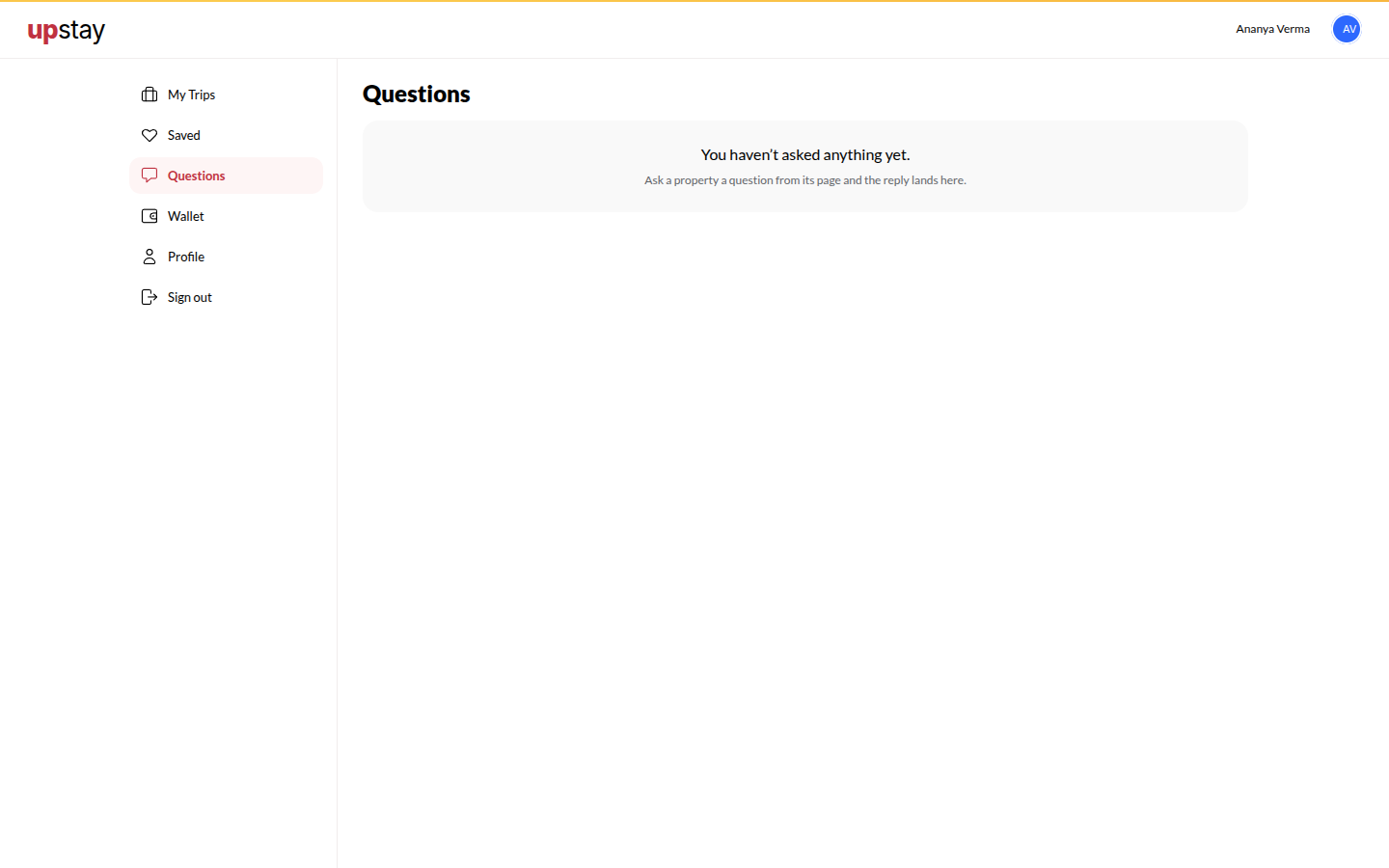
Section titled “What it does”Three pages of your stay passport. Letters collects every question you asked a hotel and the hotel’s replies; a red seal marks a reply you have not opened. Credit is your Upstay wallet: referral rewards and goodwill credit, spendable on any booking, each piece lasting 180 days. IDs keeps the ID documents you save, so web check-in at your next hotel starts from them instead of a new photo.
Who can use it
Section titled “Who can use it”Signed-in guests.
Where to find it
Section titled “Where to find it”In your account, on the tabs Letters, Credit and IDs.
How to read a reply
Section titled “How to read a reply”- Open Letters. Threads with a new reply carry a red seal.
- Tap the thread; reply in the same box if you have a follow-up. Hotels reply here, inside your account; nothing goes to your inbox.
How to use credit
Section titled “How to use credit”- On a booking’s Payment section, tick Use Upstay credit; the amount applied and what remains to pay are shown.
- Credit shows your balance, the piece that expires first, and every credit and use, newest first.
How to add a document to the wallet
Section titled “How to add a document to the wallet”- Open IDs, tap Add a document, choose the type, enter the name and number, and tick the consent box. Tap Save document.
- At web check-in, pick Use from wallet.
How to remove a document
Section titled “How to remove a document”- On IDs, tap Remove on the document. It is erased at once.
Tips & good to know
Section titled “Tips & good to know”- Credit is applied after tax and never reduces a coupon; the oldest credit is used first.
- Each document shows Kept until a date, then erased. That date is 90 days after you saved it; it is not the document’s own expiry. Hotels see only the last four characters.
Troubleshooting
Section titled “Troubleshooting”- Credit is not offered on a booking → Your balance is zero, or the hotel does not accept prepaid modes (credit needs one).