Complaints
What it does
Section titled “What it does”Guests can raise a complaint from their phone (Noise, Room, Billing, Food & dining, Housekeeping, Other) with a description. Each one lands here as a card with the room and booking, moves Open → In progress → Resolved, and keeps a note of who handled it and what was done. Low pulse-check ratings also show up as needing service recovery.
Who can use it
Section titled “Who can use it”Managers and above.
Where to find it
Section titled “Where to find it”Back office → Complaints. An open complaint also shows under Inbox → Alerts.
How to handle a complaint
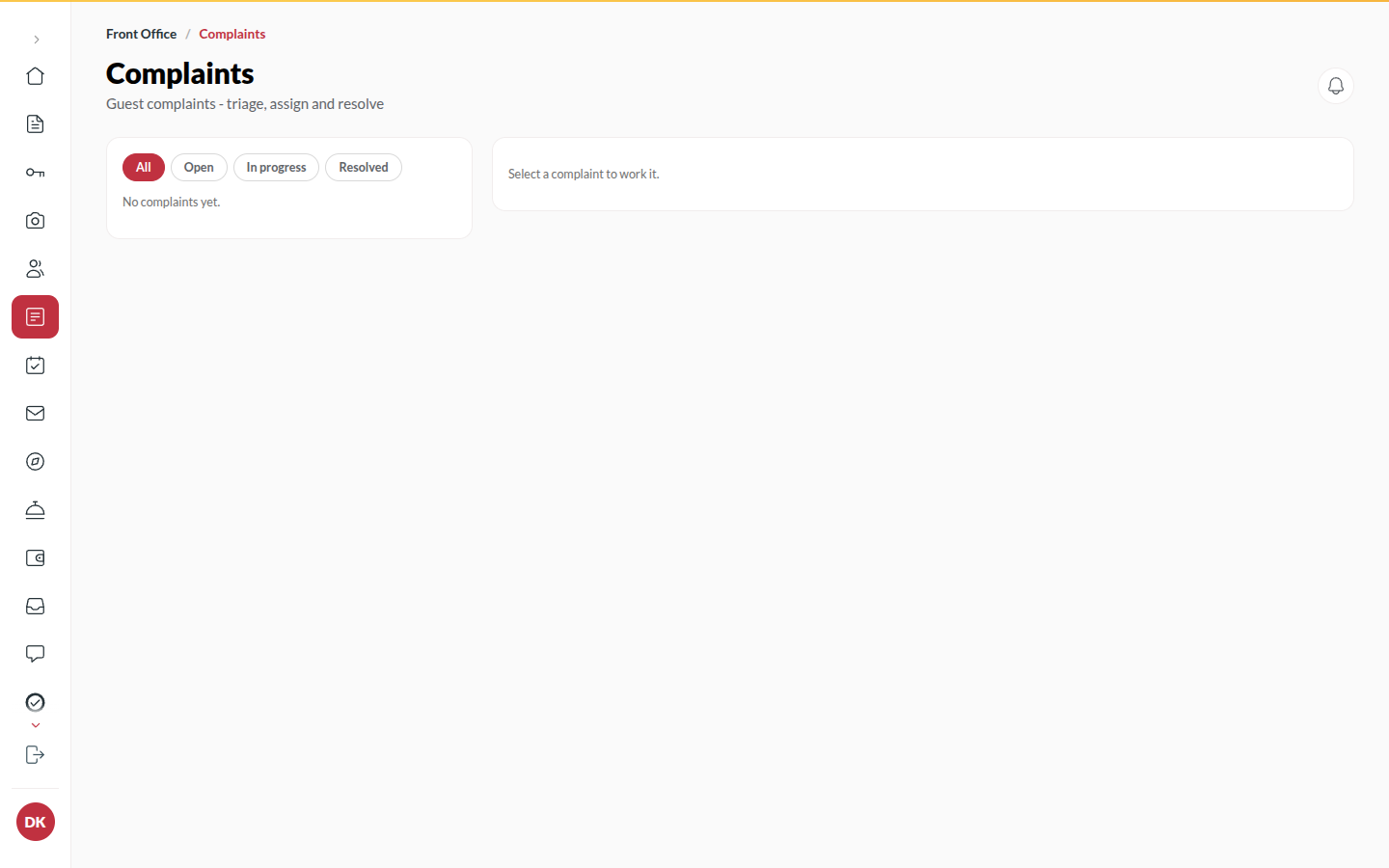
Section titled “How to handle a complaint”- Open Complaints. Filter by Open, In progress or Resolved, or Search complaints.
- Click the complaint and enter who has it under Assigned to (Who is handling this?).
- Click Start: it moves to In progress and the guest sees In progress on their phone.
- When it is put right, write the Resolution note (What was done to resolve it?) and click Resolve. The guest sees Resolved.
- Re-open brings a resolved complaint back if it was not really fixed.
Tips & good to know
Section titled “Tips & good to know”- Open guest file opens the stay, so the room, dates and guest contact are one click away.
- The note is kept with the complaint each time you start it, resolve it or re-open it.
- Low mid-stay pulse ratings show under Today’s desk boards → Feedback, where Dispatch recovery sends someone before it becomes a complaint.
- A resolution note is part of the record; write it for the next person who reads it.
Troubleshooting
Section titled “Troubleshooting”- A complaint has no room → The guest raised it before a room was assigned; the booking still links.
- “Complaint not found” → It was raised on a booking that has since been removed.