Your account
What it does
Section titled “What it does”Your Upstay account is your stay passport. Every stay you book on Upstay lives in it, from the pass for a stay that is coming up to the stamp for one you finished, with its confirmation, invoice and the link into the hotel’s stay page. Sign in is a one-time code to your mobile or email; there is no password. At the top, the passport shows how many Stamps, Nights and Cities you have, and your Credit. Tap the cover to open it: your identity page shows your name, First stay (once you have finished one), your Invite code, and whether your mobile and email are verified.
The pages are on the tabs beside the passport (a row across the top on a phone): Next, Stamps, Credit, IDs, Letters, Saved and Holder.
Who can use it
Section titled “Who can use it”Anyone who has booked or signed in. The same account works on upstay.in and every hotel site.
Where to find it
Section titled “Where to find it”The avatar at the top right of upstay.in and any hotel site; /account directly.
How to sign in
Section titled “How to sign in”- Tap the avatar (or open Your account). Under Mobile number or email, enter your 10-digit mobile number or your email. A small chip says SMS code or Email code once it is recognised.
- Tap Send Code. The next screen says where the code went (for example +91 98290 •••45, Sent by SMS just now); Change goes back to fix it.
- Type the six digits, or paste them. The sixth digit signs you in; Sign In does the same. A first sign-in creates the account.
The Guest / Hotel switch at the top right is for hotel staff: Hotel leads to the hotel console’s own sign-in.
How to see a stay
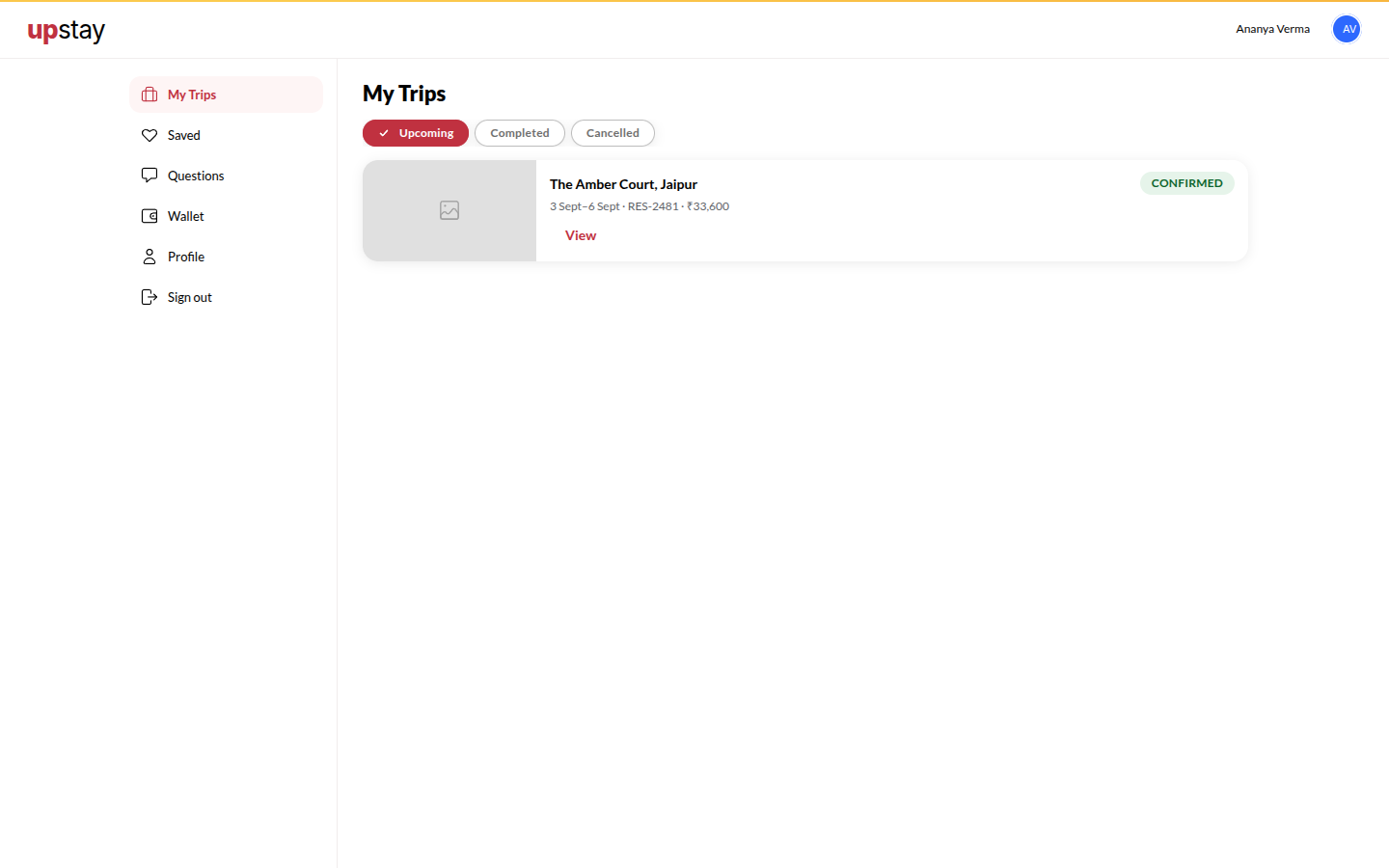
Section titled “How to see a stay”- Open Next for stays that are coming up, or Stamps for stays you have finished (cancelled ones carry a VOID mark).
- Tap a pass or a stamp, or Details, to open the stay: dates, what you have paid and what is left, and the actions for it.
- On a stay that is coming up, Check in online (or Open your stay once you have checked in online) opens the hotel’s check-in page. Call the hotel and Directions are there too.
How to cancel a booking
Section titled “How to cancel a booking”- Open the stay and tap Cancel this booking. It shows the fee, or that there is none, before you confirm.
- Tap Yes, cancel it. A stay you have already checked in to cannot be cancelled here; talk to the desk.
How to review a stay
Section titled “How to review a stay”- On Stamps, a stamp that says Review due is waiting for you. Open it and tap the stars; the review form opens with your rating ready.
How to verify a second channel
Section titled “How to verify a second channel”- Open Holder. Next to Mobile or Email, tap Change, Verify now or Send link. A mobile is verified with a code; an email with a link sent to it. A verified one carries a round Verified stamp; one that is not yet verified shows an empty box and the words Not verified.
How to share your referral code
Section titled “How to share your referral code”- Open Credit and tap Copy next to your invite link, or Share on WhatsApp. Credit lands in your wallet after your friend’s first completed stay.
Tips & good to know
Section titled “Tips & good to know”- Signing in on one device does not sign you out elsewhere.
- To delete your account, open Holder and tap Contact support; it writes to contact@upstay.in.
Troubleshooting
Section titled “Troubleshooting”- “That email/number is already on another account.” → Sign in with that contact instead.
- The code never arrives → Check the number, wait for the timer (Resend code in 0:30), then tap Send a new code; there is a limit on how often a code can be sent.