Housekeeping
What it does
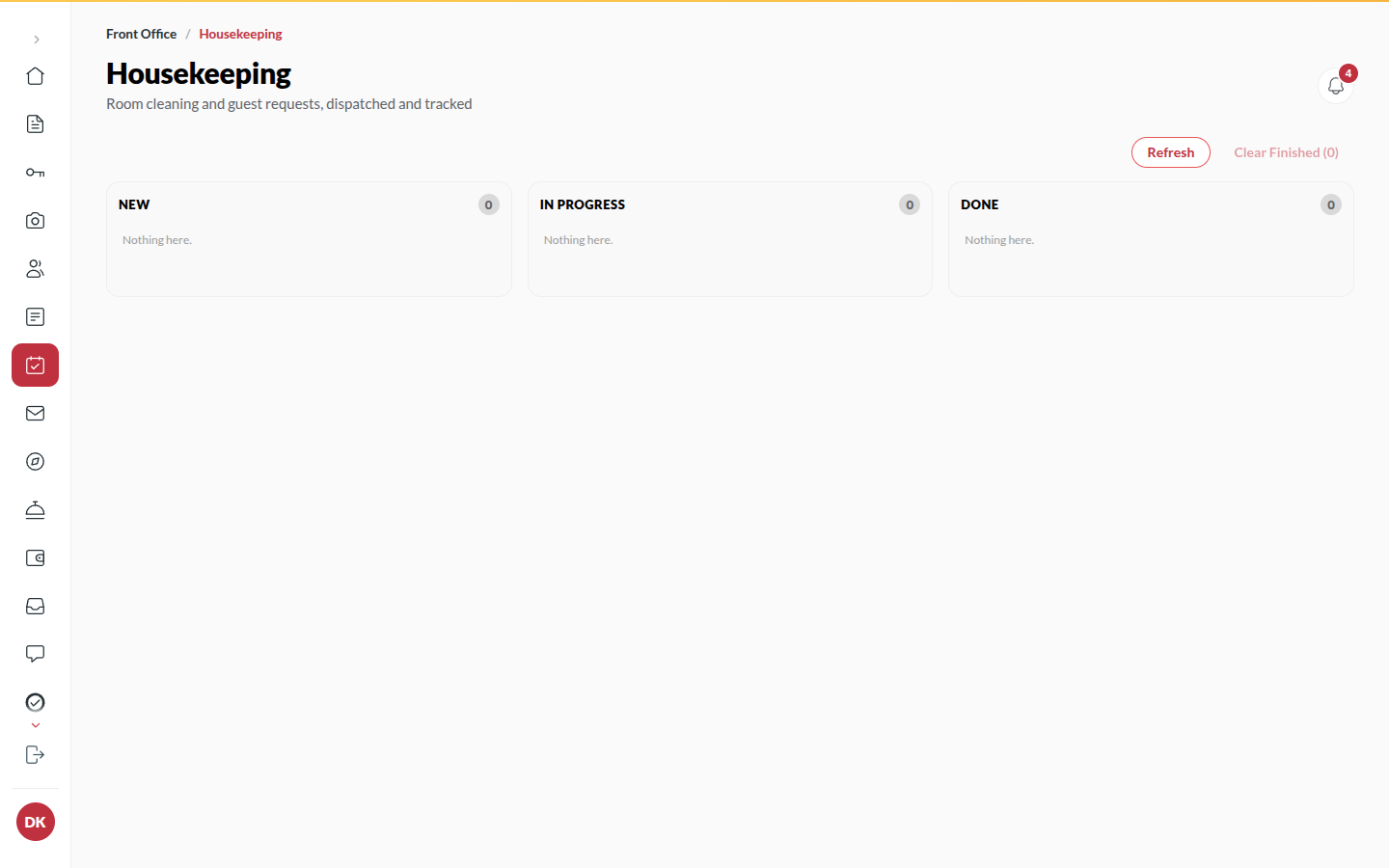
Section titled “What it does”Housekeeping is a board of cards, one per job: a checkout that needs cleaning, a Rush clean the desk asked for, a repair, or a guest’s request for towels or a clean-up. Attendants are assigned, the card moves as the work happens, and the room’s state on the Room Board follows.
Who can use it
Section titled “Who can use it”Front Desk, Managers and Admins work the board. Housekeeping staff see their own queue on their Dashboard. Managers and Admins also get a Team tab beside Board for the team side of the work (assigning, inspecting, supplies, lost and found). Attendants without a console login are assigned by name.
Where to find it
Section titled “Where to find it”Housekeeping in the rail, or Open housekeeping cards on Today.
How to work a card
Section titled “How to work a card”- Open Housekeeping. Use Show cards for to see Everyone, Not assigned or one attendant.
- Set the card’s Priority if the room is needed soon. A card for a room whose guest is arriving today says so.
- Choose Assign to… and pick the attendant.
- Click Start when they begin: the room shows Being cleaned.
- Click Done when finished: the room returns to Ready. Reopen puts a card back if it was closed by mistake.
How to add a task
Section titled “How to add a task”- Click Add a task.
- Pick the Room, choose What (Room cleaning, Fresh towels, Toiletries, Drinking water, Turn-down, Maintenance or Other) and add a Note.
- Click Add task. From the Room Board, Request cleaning and Report fault do the same for one room.
How to file cards for dirty rooms
Section titled “How to file cards for dirty rooms”- If a room needs cleaning but has no card, the board names it at the top (for example “1 room needs cleaning with no task”): nobody will clean a room that has no card on this board.
- Click Create tasks to add them.
How to clear finished cards
Section titled “How to clear finished cards”- Click Clear finished to remove done cards from view. Nothing is deleted from the record.
- The board updates live. Refresh reads it again if you want to be sure.
Tips & good to know
Section titled “Tips & good to know”- Every checkout files a cleaning card automatically. A repair on a room that also needs cleaning becomes repair-then-clean, in that order.
- A guest’s own request (towels, cleaning) from their phone lands here as a card with the guest’s note.
- A room cannot have two open cleaning cards at once.
Troubleshooting
Section titled “Troubleshooting”- “This room already has an open cleaning job - close that one first” → Finish or reassign the existing card.
- “A job needs a room or a reservation” → Pick the room the job is for.
- “Housekeeping is already on its way” (guest sees this) → The guest asked twice; one card exists.
- “Room 204 is waiting for inspection” (when you assign or move a room) → The room was cleaned but nobody has inspected it yet. A Manager presses Pass on the room under Inspect before it sells. In the room picker such a room shows as Waiting for inspection and cannot be chosen.