Finding a stay
What it does
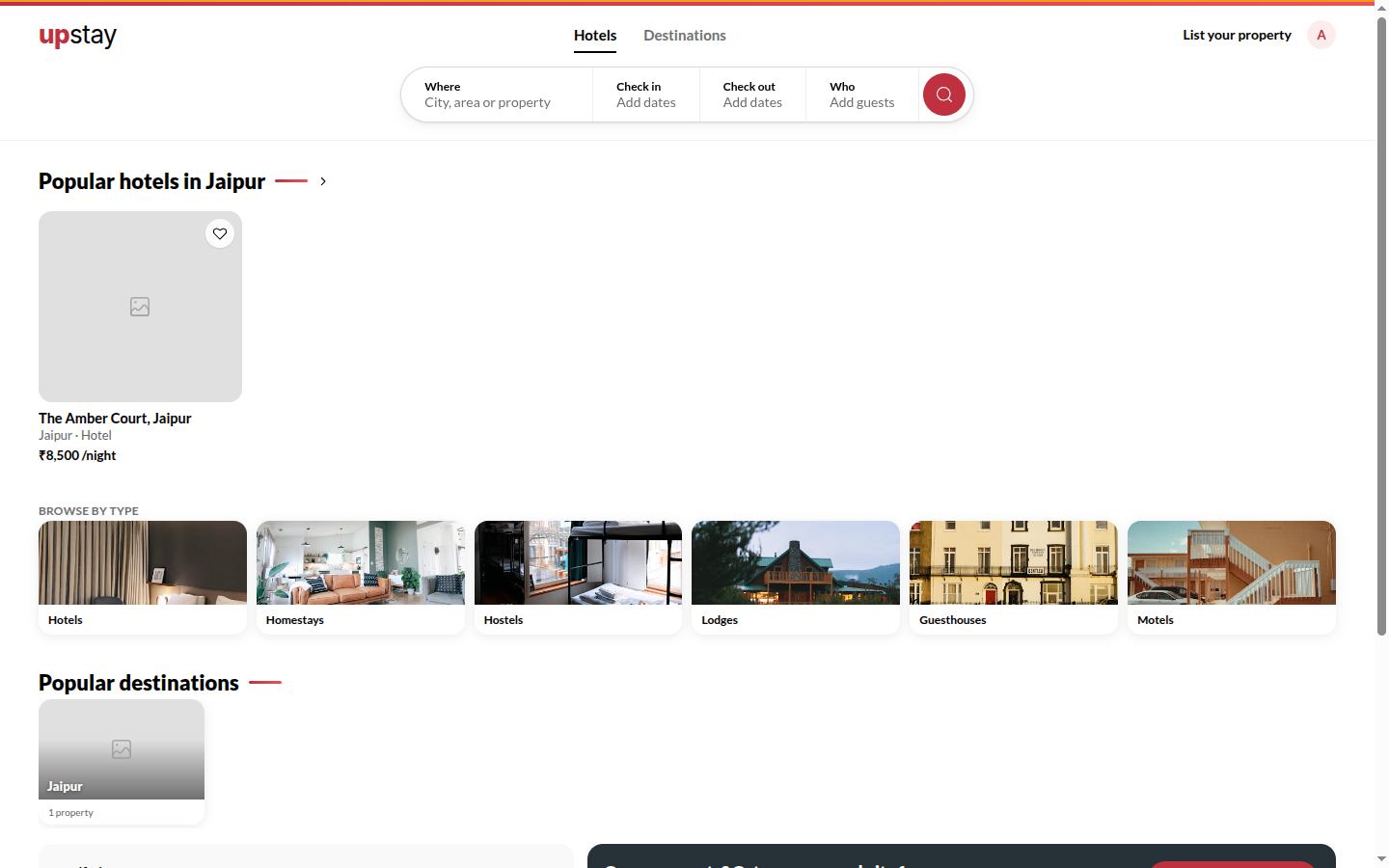
Section titled “What it does”upstay.in lists every hotel on Upstay. Type a city or a place in Where, pick dates and guests, and the results show each hotel’s card - photos, rating, category, and the lowest price for your dates. A place with no hotels of its own shows the nearest listed stays with the distance.
The Marketplace page reads India city by city: tell it the trip with a few taps and it shows only the stays that fit, with a count per city on the atlas. Heart a stay to add it to your Shortlist and compare your picks side by side.
Who can use it
Section titled “Who can use it”Anyone; no account needed to search. Saving to the shortlist needs an Upstay account (you are asked to sign in).
Where to find it
Section titled “Where to find it”upstay.in: the Find your stay search bar on the home page, or Search stays across India at the top of any page (press / to open it). Marketplace (upstay.in/hotels) lists every hotel. City pages (e.g. upstay.in/jaipur) list one destination.
How to search
Section titled “How to search”- Tap Where and start typing - pick the city or place from the suggestions.
- Set Check in - out and the number of adults and children under Guests.
- Tap Search. Filter the results by category, price and rating; sort by price or rating.
- Tap a hotel card to open its page.
The results page
Section titled “The results page”The results page reads like a magazine. At the top, Stays in {city} with the city’s one-line character and the state, then a line that counts the stays for your dates and guests. Under it, Showing lists whatever is applied as chips (tap one to drop it, Clear all drops them all); with nothing applied it says Ask the concierge below, or tap a filter.
The stays are grouped by neighbourhood. In this edition lists the neighbourhoods with their counts; tap one to jump to it. Each chapter shows three stays, then See all {n} in {neighbourhood} (and Show fewer in {neighbourhood} to fold it back). Sort offers Neighbourhood, Price and Rating; price and rating show one flat list, ten at a time, with Show 10 more. Each stay shows photos (move across them), a heart, the kind, stars and area, its name, an italic line, amenities, the rating, tags, the price a night and the price for your dates, and View stay.
The bar at the bottom of the screen is the filter. Type in Describe your stay the way you would say it - for example a homestay under ₹5,000 with breakfast - and it shows what it understood as green chips; nothing is sent anywhere, and a new description replaces the filters. Or tap Budget, Type, Area (a neighbourhood, or Within 3 km of a landmark), Rating or More (Pay at the hotel, pool, rooftop or terrace, a view, breakfast, spa, parking): each opens a card with a count on every option, and an option that would leave nothing is greyed out. Done closes the card.
Searching with the map
Section titled “Searching with the map”Tap Map in the bar and the map slides in beside the list; Hide map puts the page back. Each stay is a price pin, and pins that overlap merge into one bubble with a count and the lowest price (tap it to zoom in). Hover a stay to light its pin; tap a pin and the list scrolls to that stay and highlights it. Turn on Search as I move the map and the list shows only what is inside the map, with an Inside the map chip you can drop; the page address keeps your view so you can share it. On a phone the map fills the screen and the stays ride in a sheet: drag the handle (Drag up for the list) between peek, half and full.
If nothing matches, the page says Nothing matches all of that and Clear filters brings the list back. A place with no hotels of its own says No stays in {place} yet and lists The nearest stays with their distance.
Browsing the Marketplace
Section titled “Browsing the Marketplace”- Open Marketplace. The heading reads Where will you stay? and the number beside it is every stay on Upstay.
- Tap chips on the trip desk: Mood (shown once destinations carry one), Kind of stay (each chip shows how many stays it would leave), Per night (Under ₹2,500, ₹2,500 – 6,000, ₹6,000 +) and Matters to you (Pay at the hotel, Guest favourites, Couple-friendly, Instant booking: pick as many as you like). The heading rewrites itself as your trip, for example A homestay in Jaipur, between ₹2,500 and ₹6,000 you can pay for at the hotel.
- Not sure? Tap Not sure? Two taps and answer the two questions.
- Scroll: the atlas and the city chips show how many stays fit in each city. Tap a city to read just its chapter; Show every city brings the rest back.
- Each chapter lists its stays left to right. All stays in {city} → opens that city’s page.
- Once you scroll past the desk, a bar at the top keeps your trip, a Sort (Recommended, Top rated, Price · low, Price · high) and Filters, which takes you back to the desk. Tap × on a chip in that bar to drop it, or Clear all under the heading to start over.
- Tap one of the six doors under Browse by kind to filter by kind of stay.
Shortlisting stays
Section titled “Shortlisting stays”- Tap the heart on any stay. The Shortlist button at the bottom right counts your saved stays.
- Tap Shortlist to open it. With two or more saved, a Compare table shows per-night price, rating, kind, city, pay at hotel and favourite status, with the best value in green, and Our pick names the best balance of rating and price.
- Book the best pick opens that hotel’s site. × removes one stay; Clear removes them all.
Tips & good to know
Section titled “Tips & good to know”- Prices shown are for your dates and party, including tax, before any coupon.
- Booking on Upstay is the hotel’s lowest price - the same room on other sites costs more.
- Your Marketplace filters are in the page address, so you can share or bookmark a filtered view.
- Guest favourite is earned from reviews, never bought.
Troubleshooting
Section titled “Troubleshooting”- “Check-in date can’t be in the past.” → Pick today or later.
- “More rooms than guests - reduce the rooms or add guests.” → Every room needs at least one guest.
- No results → Widen the dates or pick a bigger place; nearby stays are offered when a place has none.
- “Nothing fits quite this trip - yet.” → Loosen one filter, or tap clear them all.
- “No stays match ”…” yet - showing every stay” → The place you came from has no listed stay yet; every stay is shown instead.
- “Sign in to save stays” → Shortlisting needs an Upstay account; sign in with the code sent to your phone or email.