Coupons
What it does
Section titled “What it does”A coupon is a code (like DIWALI20) a traveller types at booking on your site or the marketplace. It takes a percent or a flat amount off the room price before tax, within the dates you set, up to a total cap and a per-guest limit. The hotel funds the discount; it shows on the bill as an adjustment.
Who can use it
Section titled “Who can use it”Managers and above, when Promo codes is on.
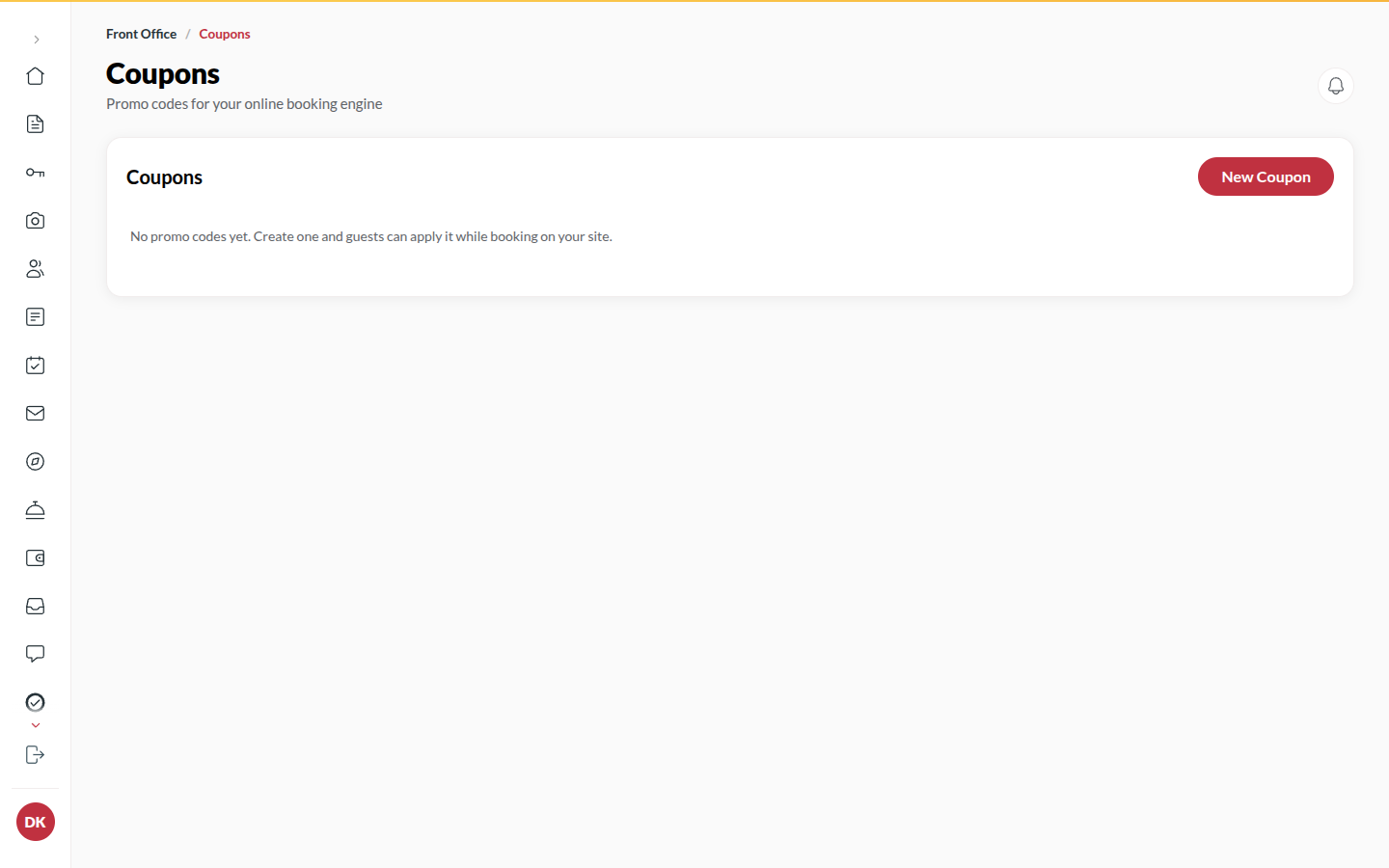
Where to find it
Section titled “Where to find it”Back office → Coupons.
How to create a coupon
Section titled “How to create a coupon”- Click New coupon.
- Enter the Code (letters and digits), e.g. DIWALI20, and a Description the traveller sees (e.g. Festive week 20% off).
- Choose the Type: Percent (%) or Flat (₹), and the value.
- Set Valid from and Until.
- Optionally set Min booking amount (₹, optional), Max discount (₹, optional), Min nights (optional), the Per-guest limit and the Total redemption cap (optional).
- Leave Active on and click Save.
How to pause or delete a coupon
Section titled “How to pause or delete a coupon”- Switch a coupon’s Active off in the list to pause it.
- To delete, open it, click Delete, pick a reason (The offer has ended, Created by mistake, Replaced by a new code, Other) and confirm. A code that was already used is retired instead of erased. Bookings that used it keep their discount.
Tips & good to know
Section titled “Tips & good to know”- Used counts real bookings; a booking that was cancelled or whose hold expired gives its use back.
- A coupon reduces the taxable amount, so GST is lower too.
- Upstay credit is different: that is the traveller’s own balance, applied after tax, and reimbursed to you by Upstay.
Troubleshooting
Section titled “Troubleshooting”- “That code already exists.” → Codes are unique per hotel; pick another.
- “A percent code cannot exceed 100.” → Fix the value.
- A traveller says the code does not work → Check it is active, inside its dates, and under its caps.