Requests
What it does
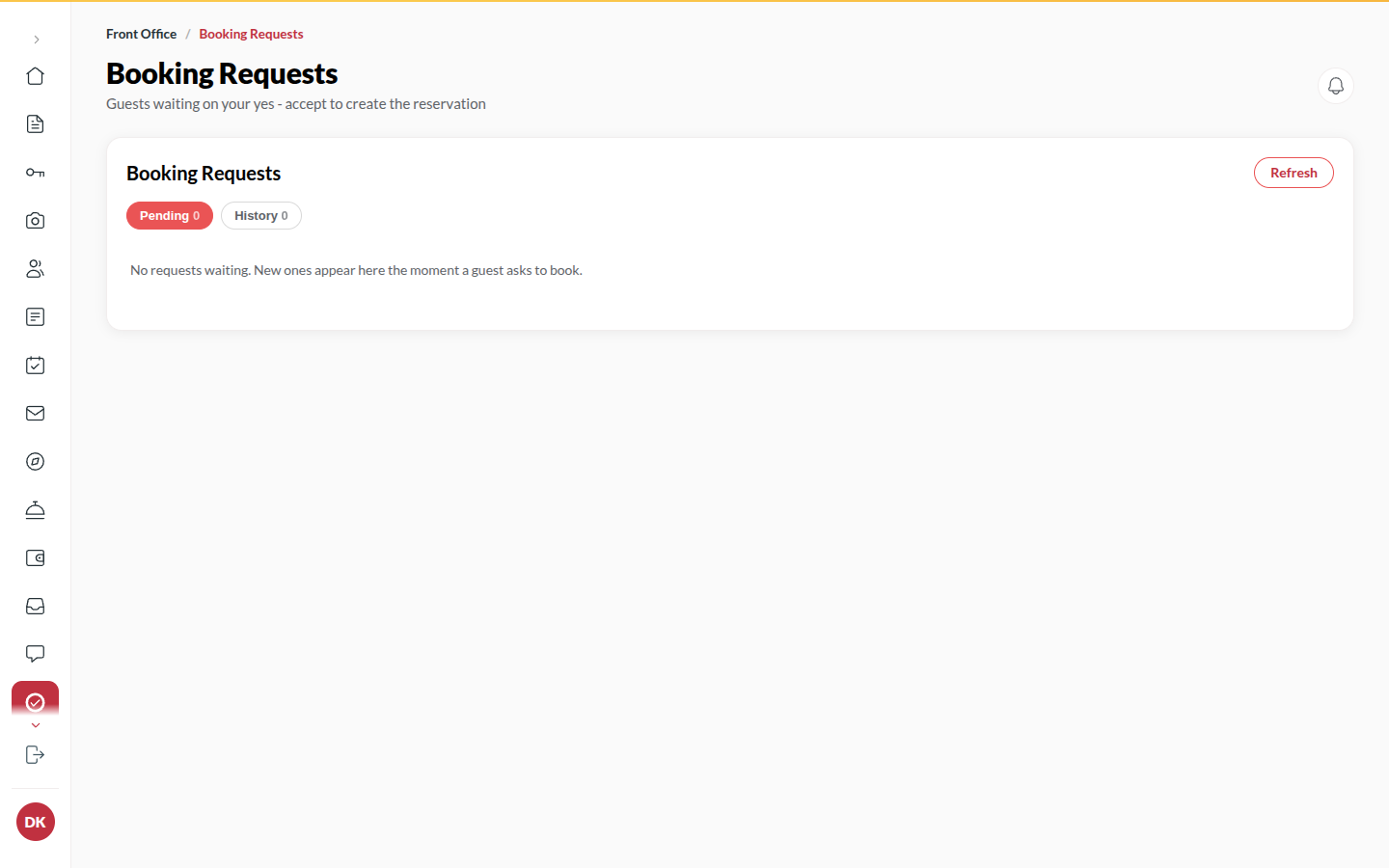
Section titled “What it does”When your site offers Request to book, a traveller’s booking is not confirmed until you accept it. Requests holds those: dates, room, party, the price quoted, and the traveller’s note. Accepting creates the booking at that quoted price; declining sends your reason to the traveller. A pending request never blocks your inventory.
Who can use it
Section titled “Who can use it”Front Desk, Managers and Admins, when Online booking is on and Request to book is one of your booking modes. Upgrade asks show to the same people.
Where to find it
Section titled “Where to find it”Inbox → Requests. A new request also rings the bell.
How to accept a request
Section titled “How to accept a request”- Open Inbox → Requests and click the pending request.
- Check the dates, room type and price.
- Click Accept and create reservation, then Accept and book. The booking is created at the quoted price and the request shows Accepted at the quoted price and booked.
- Click Open reservation to see it.
How to decline a request
Section titled “How to decline a request”- Click the request.
- Click Decline and enter Why not (the guest reads this).
- Click Confirm decline.
How to answer an upgrade ask
Section titled “How to answer an upgrade ask”When a guest asks for an upgrade from their phone (“Ask the Desk”), it shows under Requests too.
- Click the upgrade ask.
- Click Approve: the amount is added to their bill. Move the guest to the new room from Rooms.
- Or click Decline: nothing is charged, and the guest sees the answer in their app.
Tips & good to know
Section titled “Tips & good to know”- Requests expire on their own after the hold time set under Back office → Microsite → Booking settings (Unpaid hold (minutes) applies to prepaid holds; requests have their own window).
- If the room type sold out while the request waited, Accept is refused. Decline with a note instead.
- A request nobody answered in time shows Expired and never held a room.
- Approving an upgrade twice (a double click, or two desks at once) charges it once.
Troubleshooting
Section titled “Troubleshooting”- “Those dates are no longer available - decline with a note instead.” → Another booking took the rooms.
- “This request is accepted / declined / expired.” → Someone already dealt with it.